Get PANSGPT on Your Phone
Study smarter with PANSGPT right in your pocket. Access your personalized pharmacy tutor anytime, anywhere.
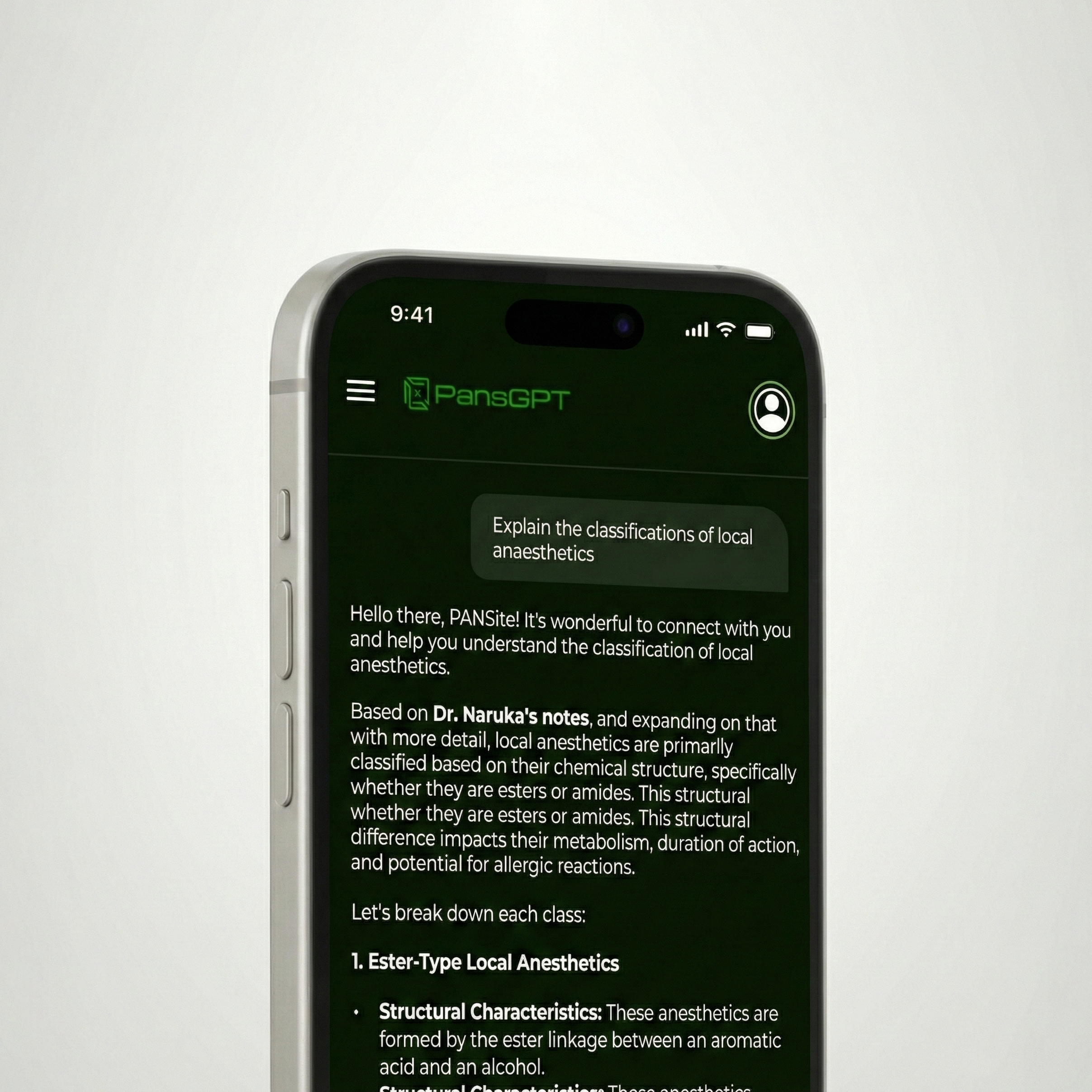
Why Download PANSGPT?
Experience the full power of your personalized pharmacy tutor with our native app
Native App Experience
Get a dedicated app with push notifications, better performance, and a seamless experience designed specifically for your phone.
Faster Performance
Native app means instant loading, smoother animations, and quicker responses. No waiting for web pages to load.
One Tap Access
Launch PANSGPT directly from your home screen. No need to open a browser or bookmark a link.
Download PANSGPT for Android
You can now download PANSGPT directly — no Play Store required. After downloading, simply install the file and start learning instantly.
Tap Download
Click the button below to download the APK file
Open File
Find the downloaded file in your notifications
Allow Installation
Tap 'Install' and grant permission
Start Learning
Open PANSGPT and ace your exams
File size: ~6MB • Version 1.0.0 • Last updated: November 2025
Safe & Secure Download
Our APK is digitally signed and verified. If your device shows a security warning about "unknown sources," it's normal — just go to your settings and allow installation from this source. PANSGPT is completely safe and built specifically for University of Jos Pharmacy students.
How to Add PANSGPT to Your Home Screen
You can add PANSGPT to your iPhone like a regular app. Here's how:
Need a visual guide?
Watch this short video showing each step. You'll have PANSGPT installed in less than 30 seconds.
Your Study Just Got Easier
Don't waste time searching online for answers that don't match your notes. With PANSGPT, every explanation is built around your pharmacy lectures — clear, local, and reliable.